

















































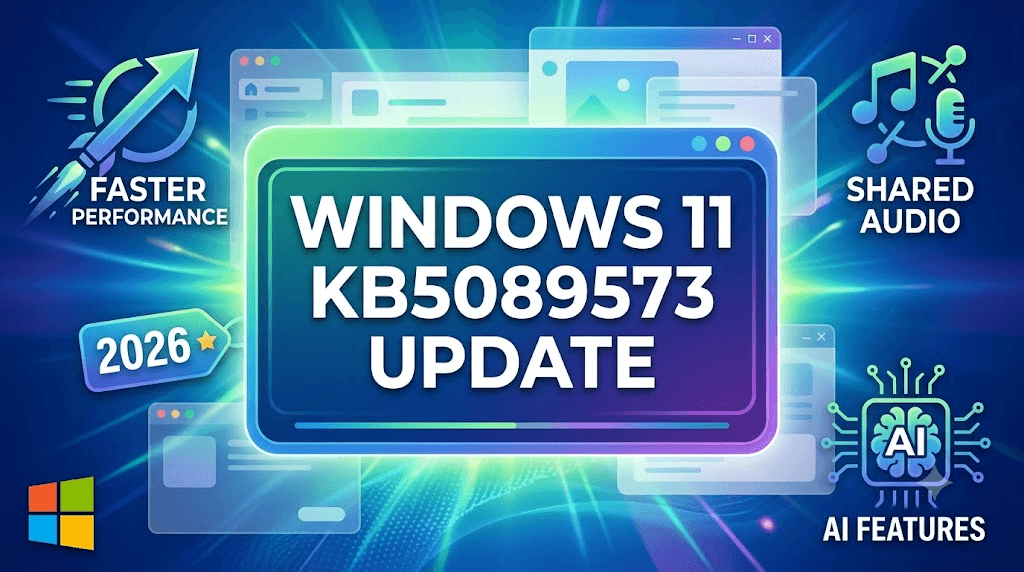
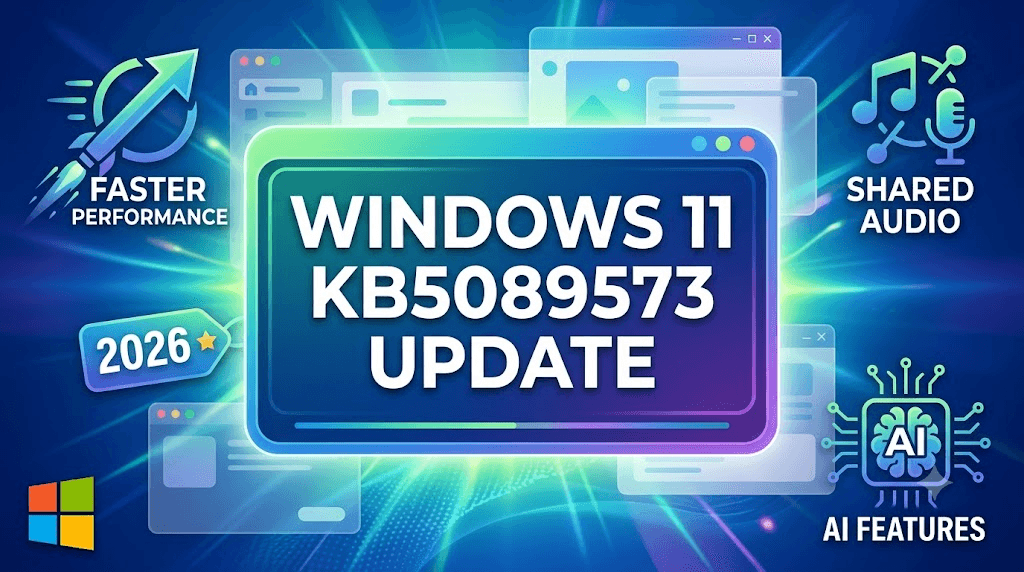
Windows 11 KB5089573 Update Brings Faster Performance, Shared Audio & AI Features in 2026
Microsoft has officially released the Windows 11 2026-05 Preview Update KB5089573 (Build 26200.8521) with several exciting improvements for performance, AI hardware monitoring, Bluetooth audio, and system stability. This latest Windows 11 preview update is focused on delivering a faster and smoother user experience for both normal users and power users.
The update introduces new AI-related Task Manager features, low latency optimizations, better accessibility tools, and shared audio support for Bluetooth devices. Windows users testing the Release Preview Channel are already seeing noticeable improvements in system responsiveness and multitasking performance.
If you are searching for the latest Windows 11 KB5089573 features, this detailed guide explains everything included in the update along with performance enhancements and bug fixes.
Faster Windows 11 Performance with Low Latency Profile
One of the biggest highlights of the KB5089573 update is the new Low Latency Profile. Microsoft optimized the operating system to reduce delays while opening apps, using Start Menu, switching windows, and running background tasks.
Users with older laptops and mid-range systems may notice:
- Faster app launching
- Smoother multitasking
- Reduced UI lag
- Better system responsiveness
This improvement is especially useful for gaming, office work, and browser-heavy multitasking.
Shared Audio Feature for Bluetooth Devices
Windows 11 now supports Shared Audio Mode, allowing users to connect multiple Bluetooth LE Audio devices simultaneously.
With this feature you can:
- Play audio on two headphones together
- Share music with friends
- Watch movies using dual earbuds
- Use two wireless audio devices at the same time
This is one of the most requested Windows 11 Bluetooth improvements in recent years.
AI Hardware Monitoring Added in Task Manager
Microsoft has added advanced AI hardware tracking inside Task Manager. Users with AI-powered laptops or Copilot+ PCs can now monitor NPU activity directly.
New monitoring options include:
- NPU Usage
- AI Engine Activity
- Dedicated NPU Memory
- Shared AI Memory
These additions help creators and developers track AI processing performance in real time.
Multi-App Camera Support Introduced
The KB5089573 update also improves webcam handling in Windows 11. Multiple applications can now access the same camera simultaneously.
Examples:
- OBS + Zoom
- Microsoft Teams + Recording Apps
- Streaming + Video Conferencing together
Microsoft also added a new Basic Camera Mode for troubleshooting webcam issues.
Accessibility and Security Improvements
Microsoft upgraded accessibility tools including Magnifier and screen reader support. The Magnifier tool now provides smoother zooming and improved compatibility with protected content.
Windows Hello authentication has also been improved with:
- Faster wake-up login
- Better biometric reliability
- Reduced authentication errors
These improvements increase both security and productivity for users.
Windows 11 KB5089573 Key Features Table
| Feature | Improvement |
|---|---|
| Low Latency Profile | Faster app and UI response |
| Shared Audio | Dual Bluetooth audio support |
| AI Task Manager | NPU and AI usage monitoring |
| Multi-App Camera | Same webcam in multiple apps |
| Magnifier Improvements | Better accessibility |
| Windows Hello Upgrade | Faster and stable login |
| Audio Bug Fixes | Improved sound reliability |
WhatsApp Channel Join Button
Join 9to6 Network WhatsApp Channel
Daily latest jobs, AI tools, viral tech updates, government vacancies, work from home jobs aur career growth updates sabse pehle paaye.
Join WhatsApp Channel→⚡ Fast Alerts
Instant Job Notifications
💼 Daily Jobs
Private & Govt Openings
🤖 AI Updates
Trending AI & Tech News
🔥 Viral Content
Internet Trending Updates
Conclusion
The Windows 11 KB5089573 (Build 26200.8521) preview update is a major step toward improving performance, AI integration, and Bluetooth functionality in Windows 11. Features like shared audio support, AI Task Manager monitoring, and low latency optimization make this update highly valuable for modern users.
Microsoft is expected to roll out these features publicly in the coming months after additional testing in the Release Preview Channel.
Users who enjoy testing new Windows features early can install this update now, while stable users may prefer waiting for the official public rollout.
Related Posts
- AI Fashion Pose Prompt 2026: Single Pose Prompts से Viral Kids Fashion Images कैसे बनाएं
- Import Clearance Manager Recruitment 2026: Sricity में 12–18 Years Experienced Candidates के लिए शानदार अवसर
- 🚇 DRA Infracon CMRL Hiring 2026: I Applied to India’s Most Prestigious Metro Project — Here’s What Nobody Tells You
- 🚨 AGM Accountant Job Srinagar 2026: Leading Agribusiness Company
- NHIDCL Invites ₹311.85 Crore EPC Tender for NH-717B Road Widening Project in Sikkim | Complete Tender Details 2026
Comments Section
What do you think about the new Windows 11 KB5089573 update?
Have you tested the shared audio or AI Task Manager features yet? Share your experience in the comments below.

AFFAN
OwnerOwner & Editor – 9to6 Update
Passionate digital publisher, technology enthusiast, and career information curator behind 9to6 Update. Dedicated to delivering the latest job alerts, AI tools, technology news, infrastructure updates, and practical guides in a simple and easy-to-understand format. Through 9to6 Update, the mission is to help job seekers, professionals, students, and tech enthusiasts stay informed about emerging opportunities and digital trends. The platform focuses on reliable information, career growth resources, and modern technology insights for readers across India.











Leave a Reply